FABTEX — Alieu Njie Skip to content

Mobile · Marketplace · Jan — May 2026

FABTEX

A fabric marketplace that lets you shop fabrics from different continents both wholesale and retail in one digital experience. A brief description and biography of each fabric sorted by the continent they come from.

Role
Product Designer & UX/UI
Timeline
Jan — May 2026
For
Wholesale and retail shoppers
Services
Product design UX/UI Mobile
FABTEX landing screen: the stitched FABTEX wordmark over a dark plaid texture, with Sign In and Create an Account buttons. FABTEX Shop tab: a Trending Fabrics carousel above Shop by Region tiles for Africa, America and Asia. FABTEX product screen for Ink Blue Cotton at $35 per yard, tagged Americas Origin and 100% Cotton, with colour swatches, a Wholesale or Retail size toggle and a quantity stepper. FABTEX checkout: two fabric items with thumbnails, Standard and Express shipping options with prices, and card fields. FABTEX order confirmation: Thank you for your order, arriving Friday October 27, with a four-step tracker from Order Confirmed to Package Delivered.
01

The problem

It is exceptionally challenging to locate a legitimate, standalone digital platform that provides convenient access to a diverse range of authentic fabrics from various regions worldwide, both in retail and wholesale settings, all under a single roof.

The design challenge was to eliminate the obscurity, making it accessible for individuals to purchase fabrics from various regions globally in any quantity without difficulty.

02

Shop by whereit's from.

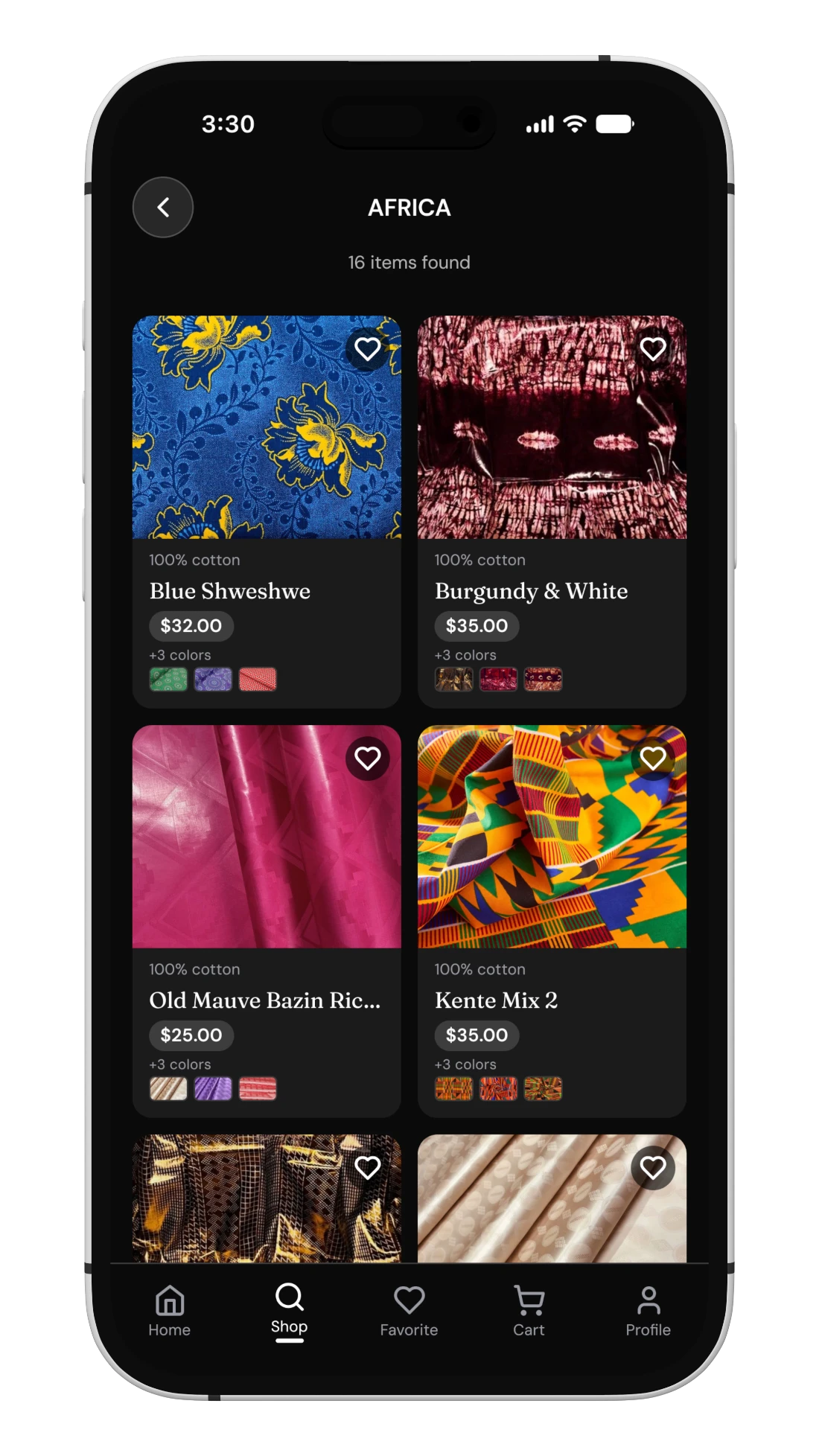
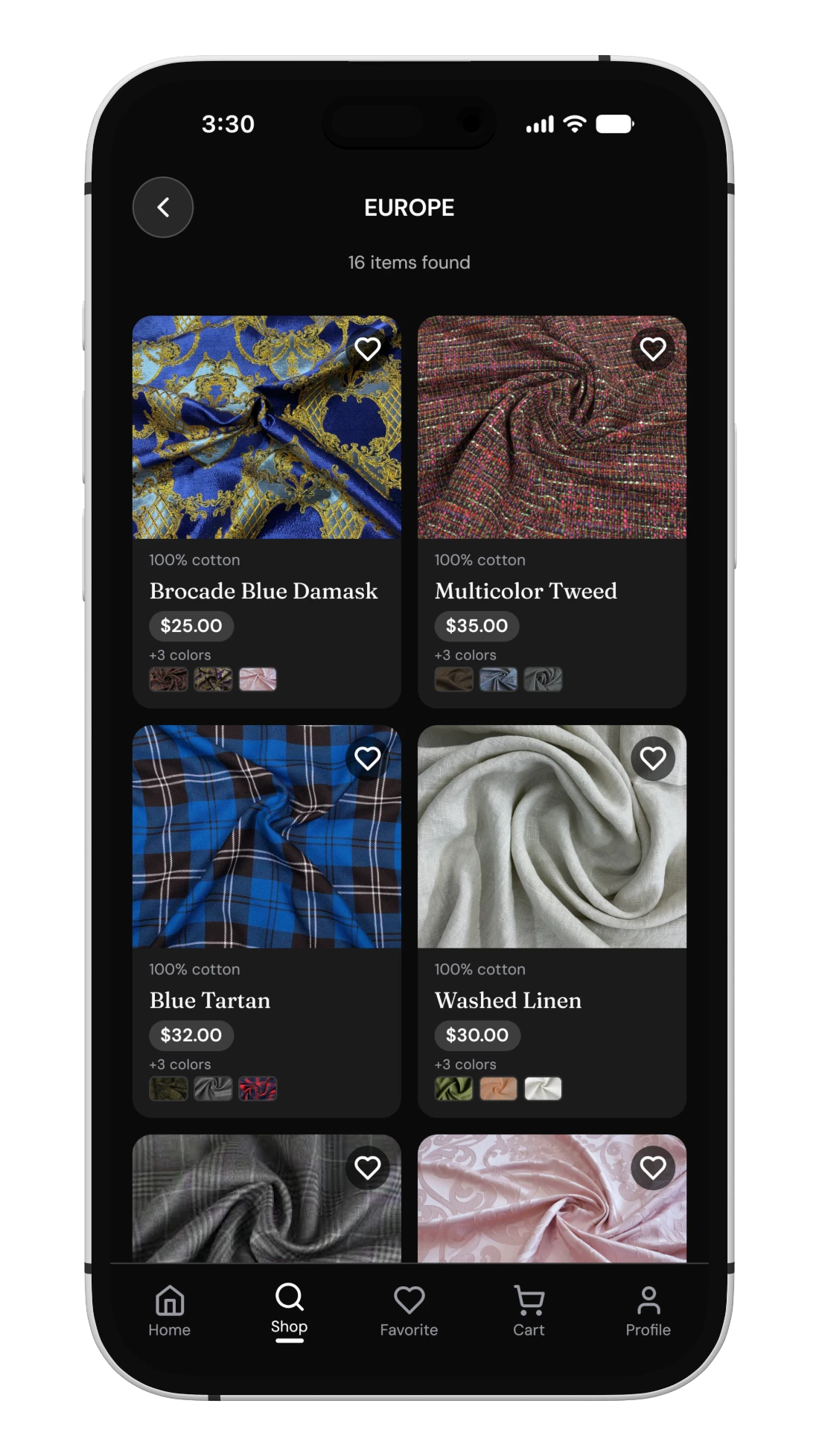
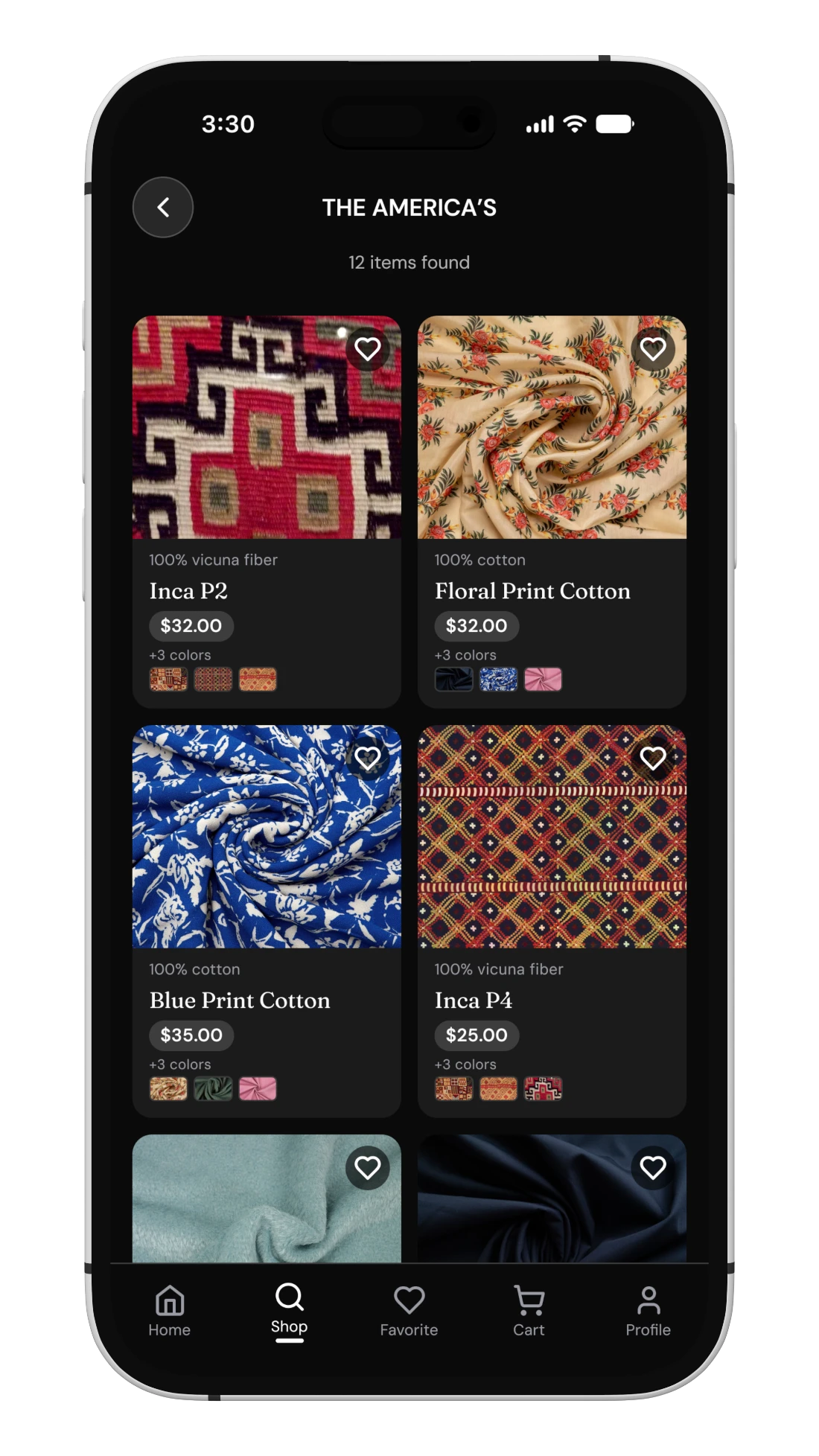
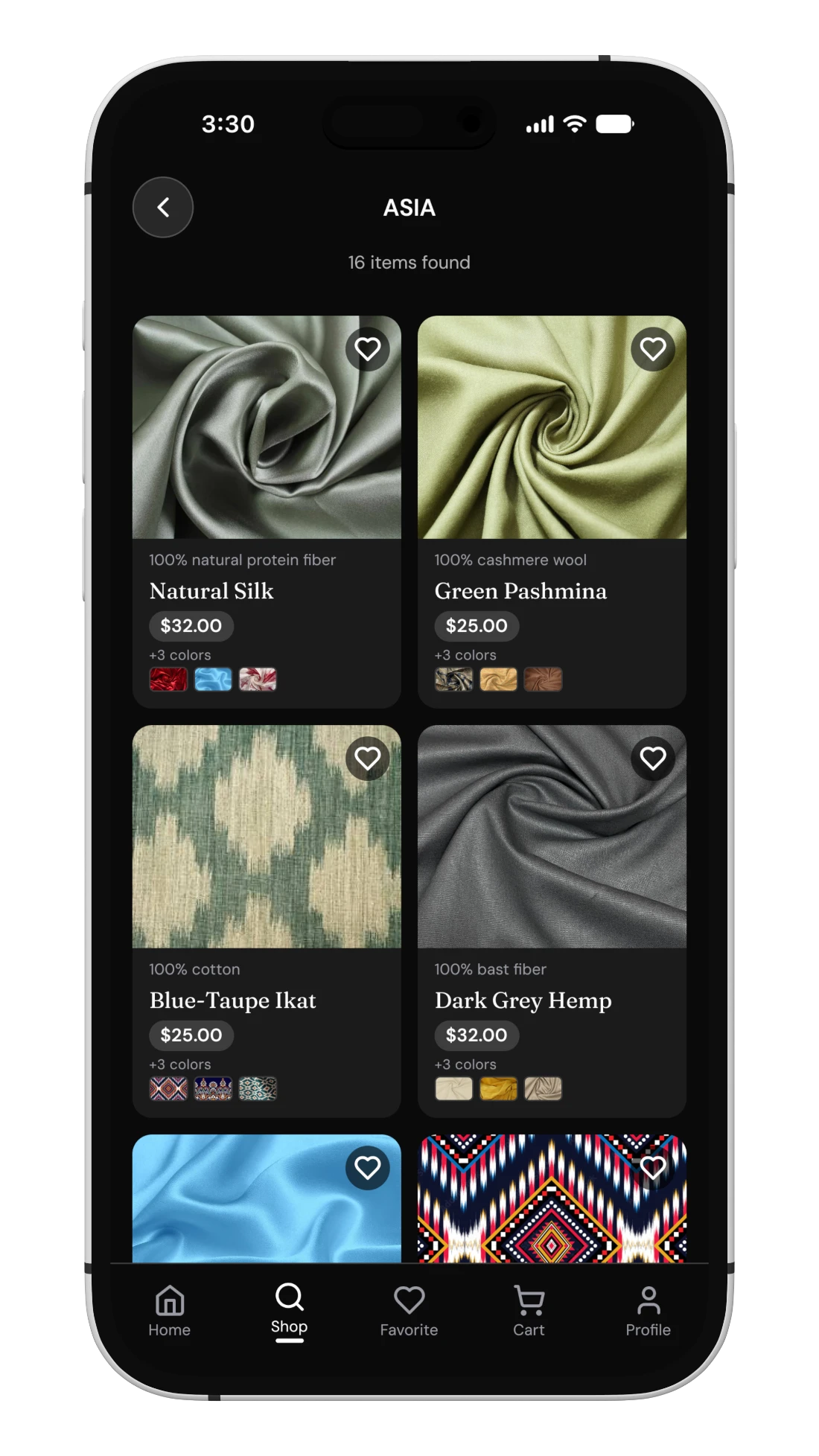
Origin is the first filter here, not the fifth. The Shop tab opens on trending fabrics and then goes straight into regions. Each region is a two-column grid where the photo takes most of the card. Fibre, name, price and the extra colourways sit underneath, small, for when you've already decided you like it.

{{ regionNote }}
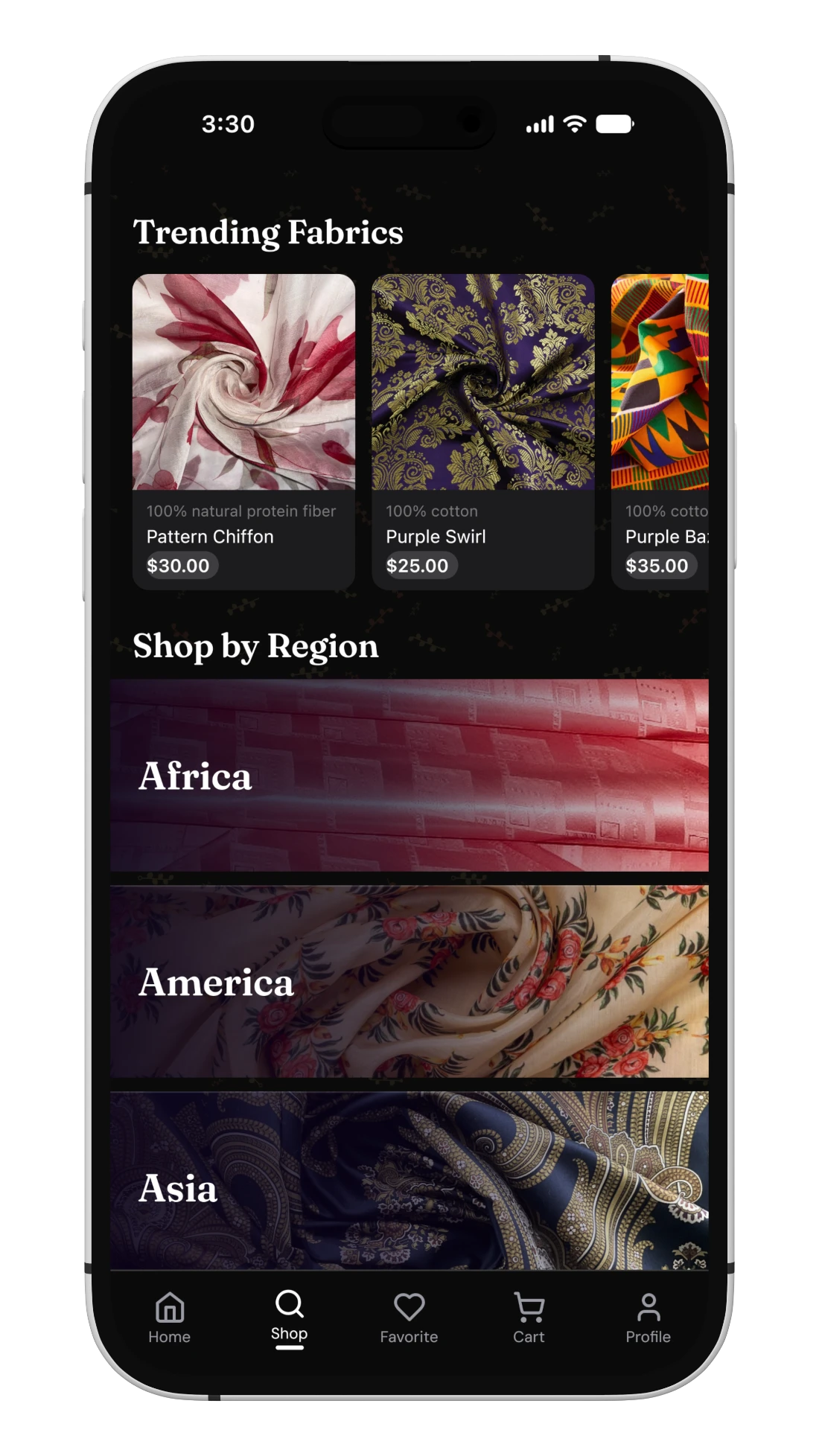
FABTEX Shop tab: a Trending Fabrics carousel above Shop by Region tiles for Africa, America and Asia. {{ regionAlt }}
03

One page,two kinds of buyer.

A tailor buying four yards and a shop buying forty rolls want the same fabric. So they get the same page, and the difference is one toggle instead of a separate wholesale site.

  1. 01 — Origin first"Americas Origin" and "100% Cotton" sit as chips right under the name, before the description.
  2. 02 — Price per yard$35 / yard, beside the name. Fabric is sold by length, so the unit is part of the price.
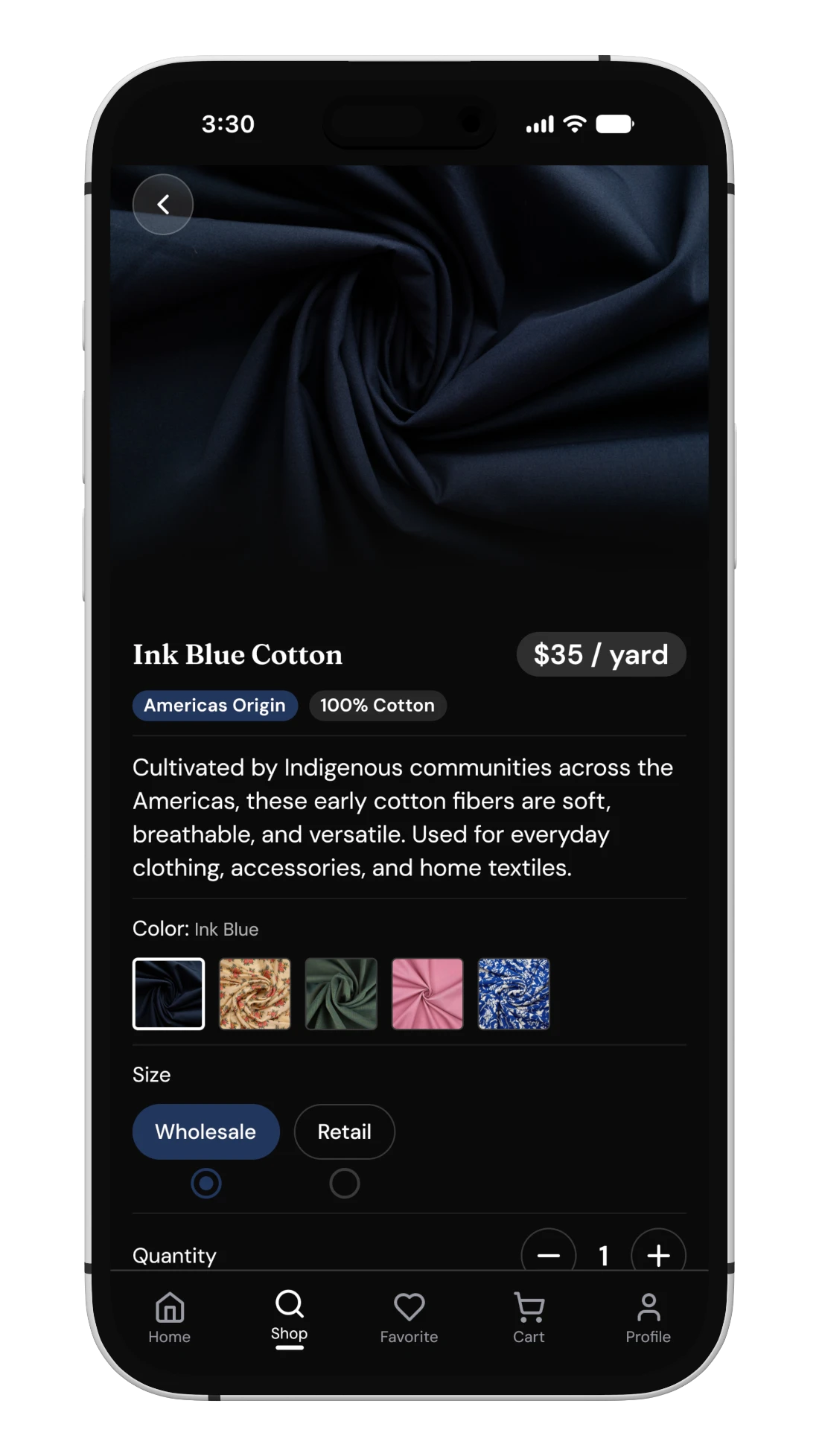
FABTEX product screen for Ink Blue Cotton at $35 per yard, tagged Americas Origin and 100% Cotton, with colour swatches, a Wholesale or Retail size toggle and a quantity stepper.
  1. 03 — Colourways as swatchesActual fabric thumbnails, not colour dots. A dot can't show you a print.
  2. 04 — Wholesale or RetailOne toggle under Size, then quantity. Same product, same checkout, either buyer.
04

To a tracked order

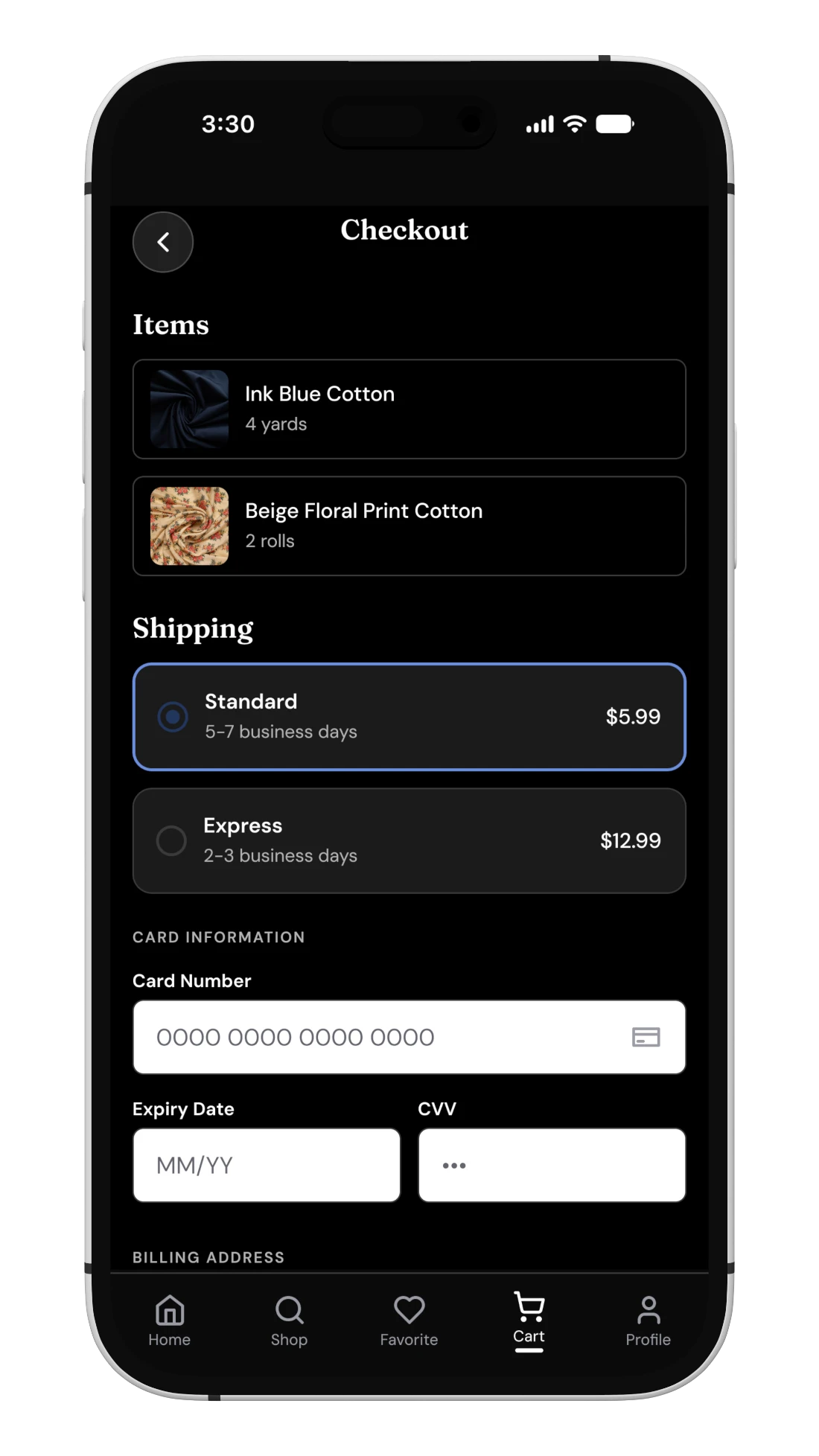
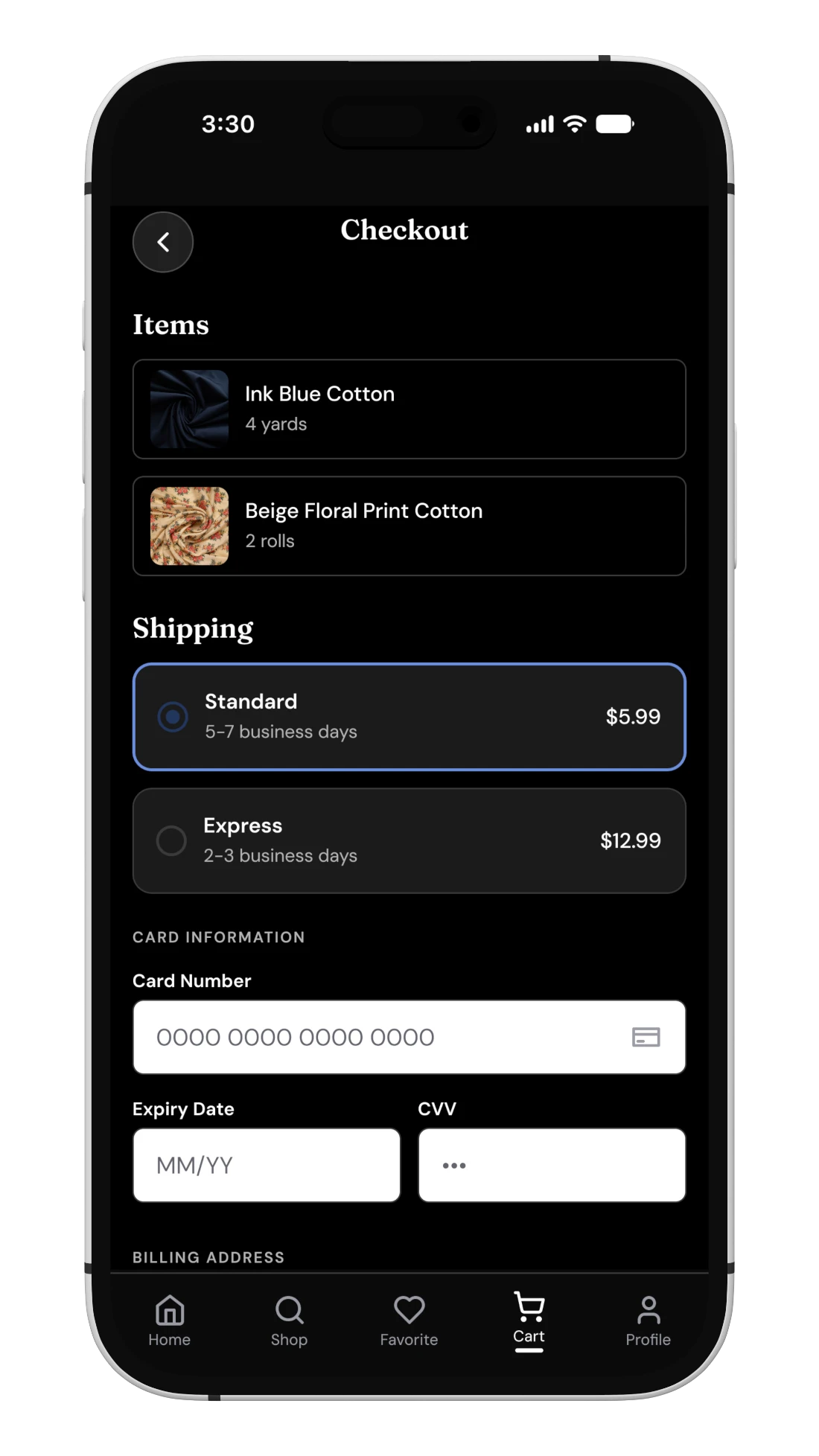
Checkout keeps the fabric thumbnails in the item list, so you can see what you're paying for, not just read it. Shipping is two options with the price and the days printed on each, no "calculated at next step."

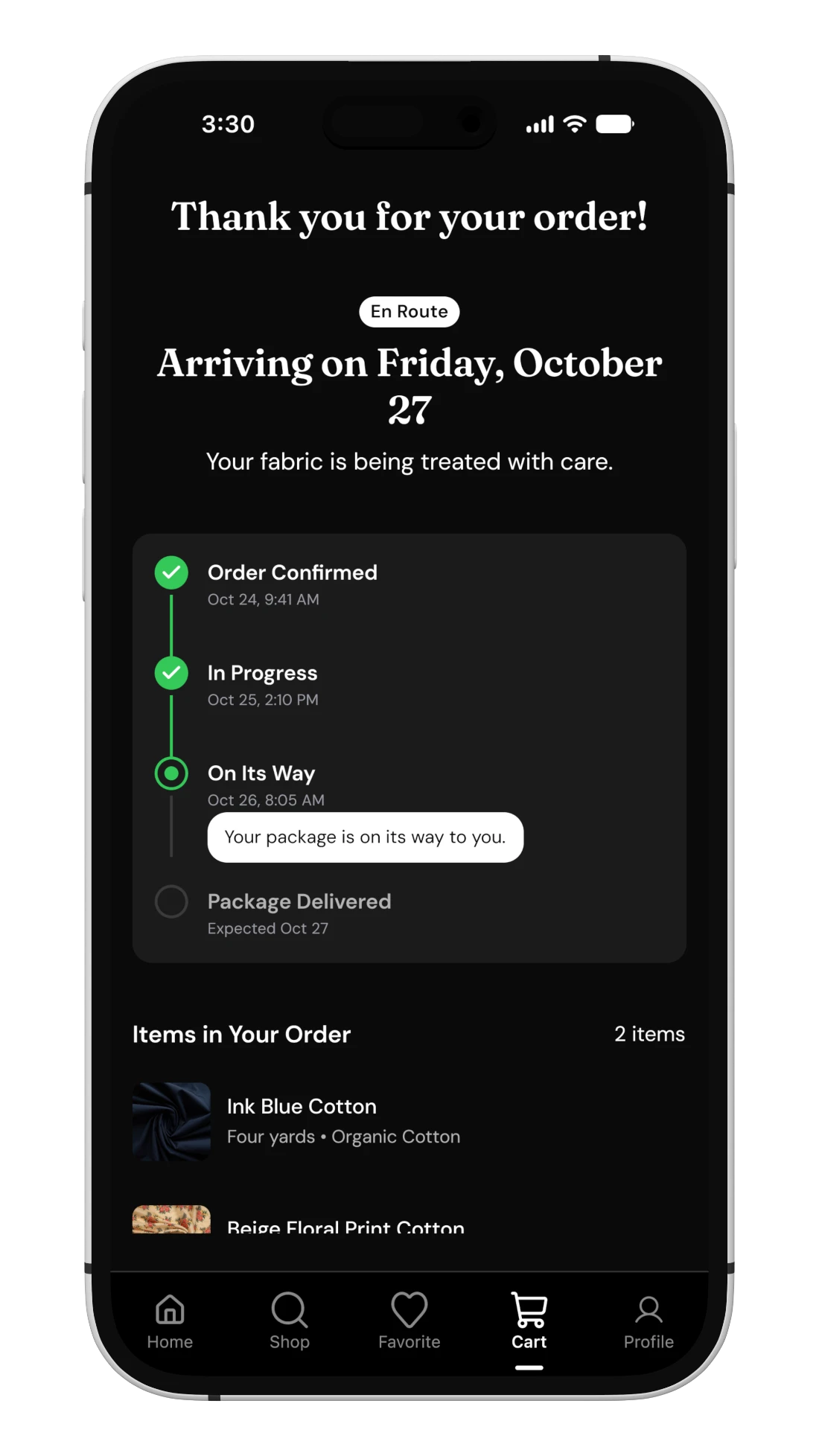
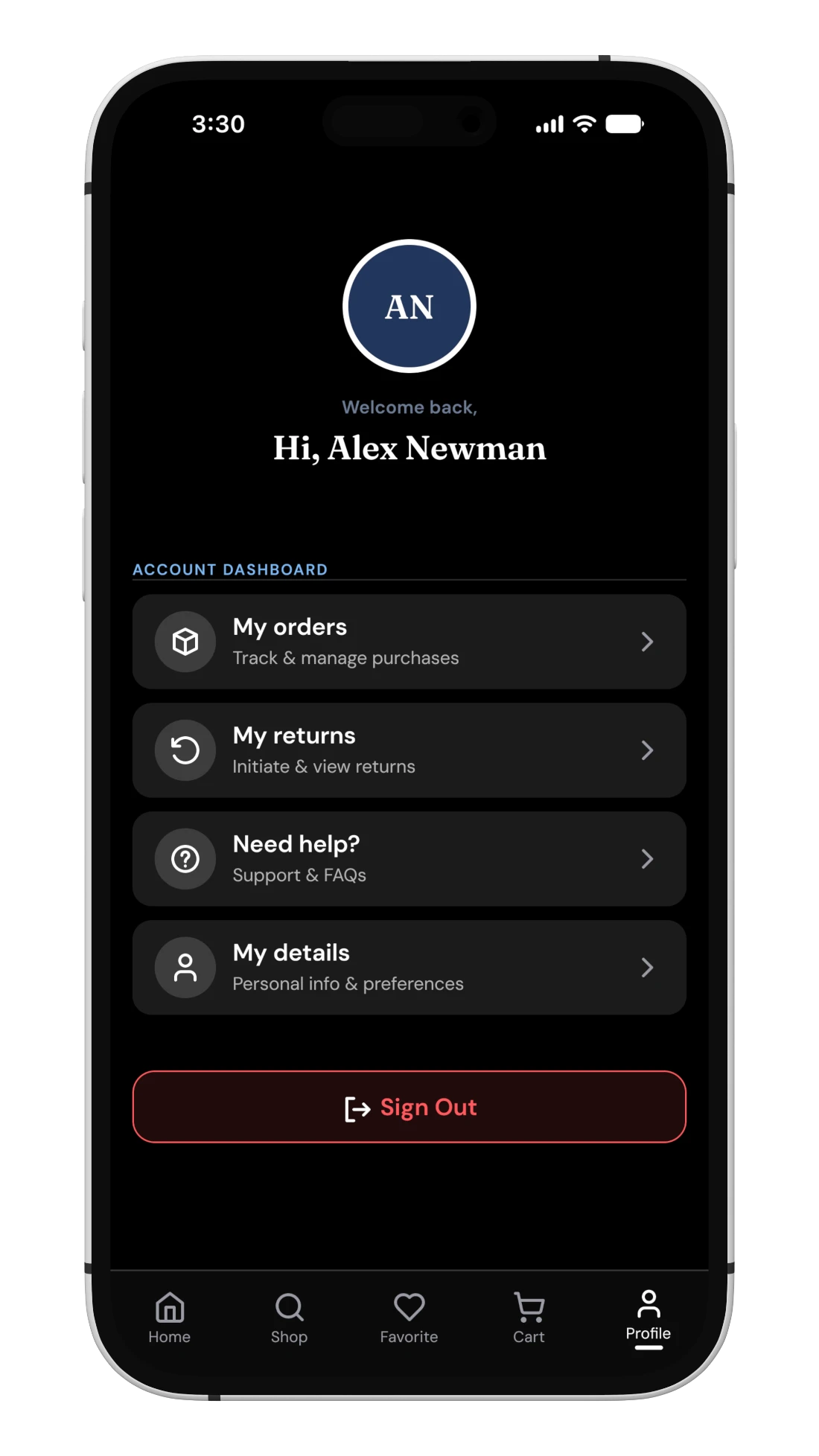
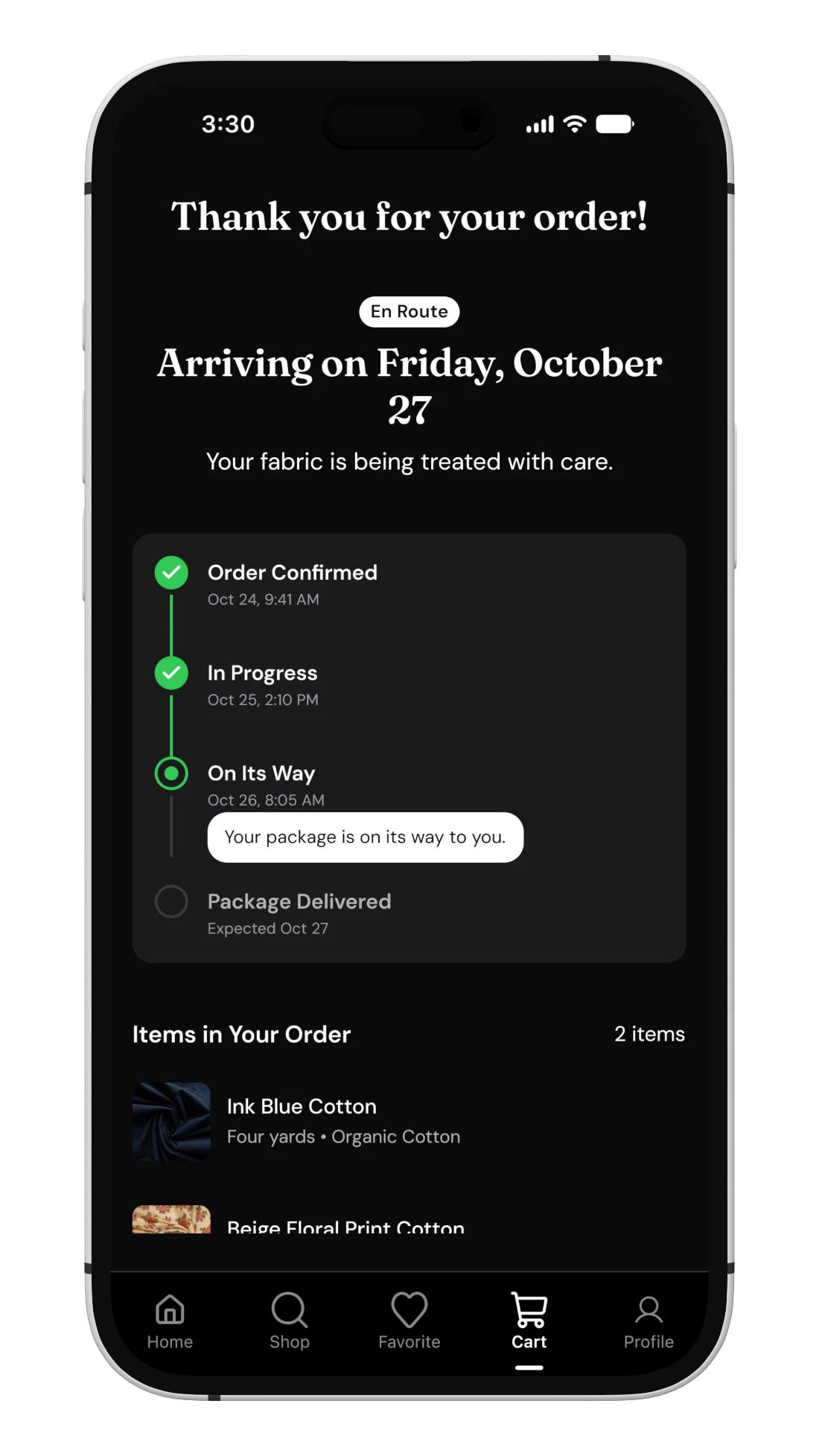
After you pay, the confirmation screen is the tracker: a delivery day up top, then four stages from Order Confirmed to Package Delivered with timestamps. And "My orders" is the first row on your profile, because that's why you'd open it.

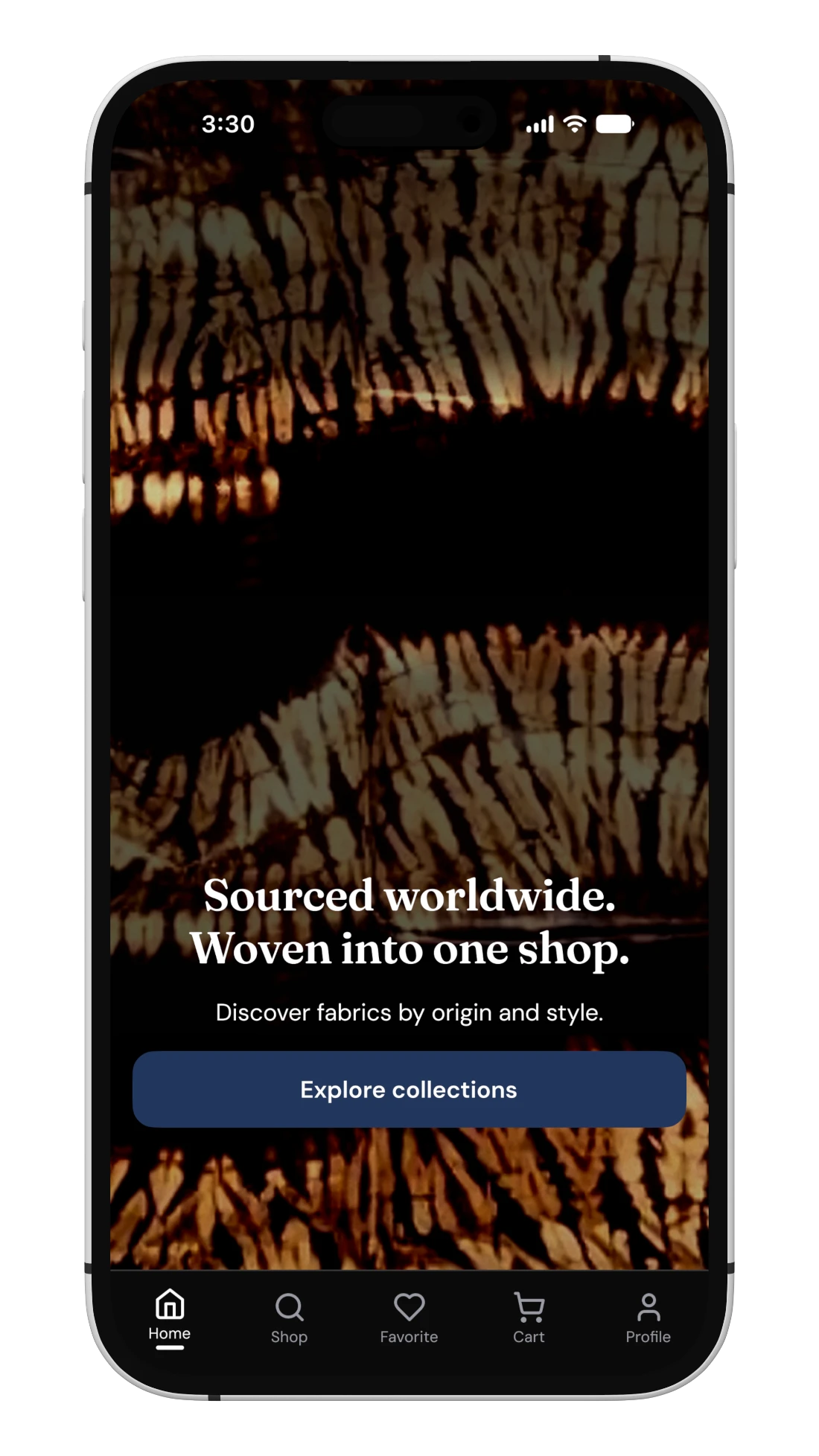
  1. FABTEX home screen: a dark tie-dye fabric photo behind the line Sourced worldwide. Woven into one shop, with an Explore collections button.
    1 Home
  2. FABTEX Africa section: 16 items in a two-column grid of fabric cards showing fibre content, name, price and alternate colourways.
    2 Region
  3. FABTEX checkout: two fabric items with thumbnails, Standard and Express shipping options with prices, and card fields.
    3 Checkout
  4. FABTEX order confirmation: Thank you for your order, arriving Friday October 27, with a four-step tracker from Order Confirmed to Package Delivered.
    4 Tracked
  5. FABTEX profile: an account dashboard listing My orders, My returns, Need help and My details, with a Sign Out button.
    5 My orders
05

Getting in

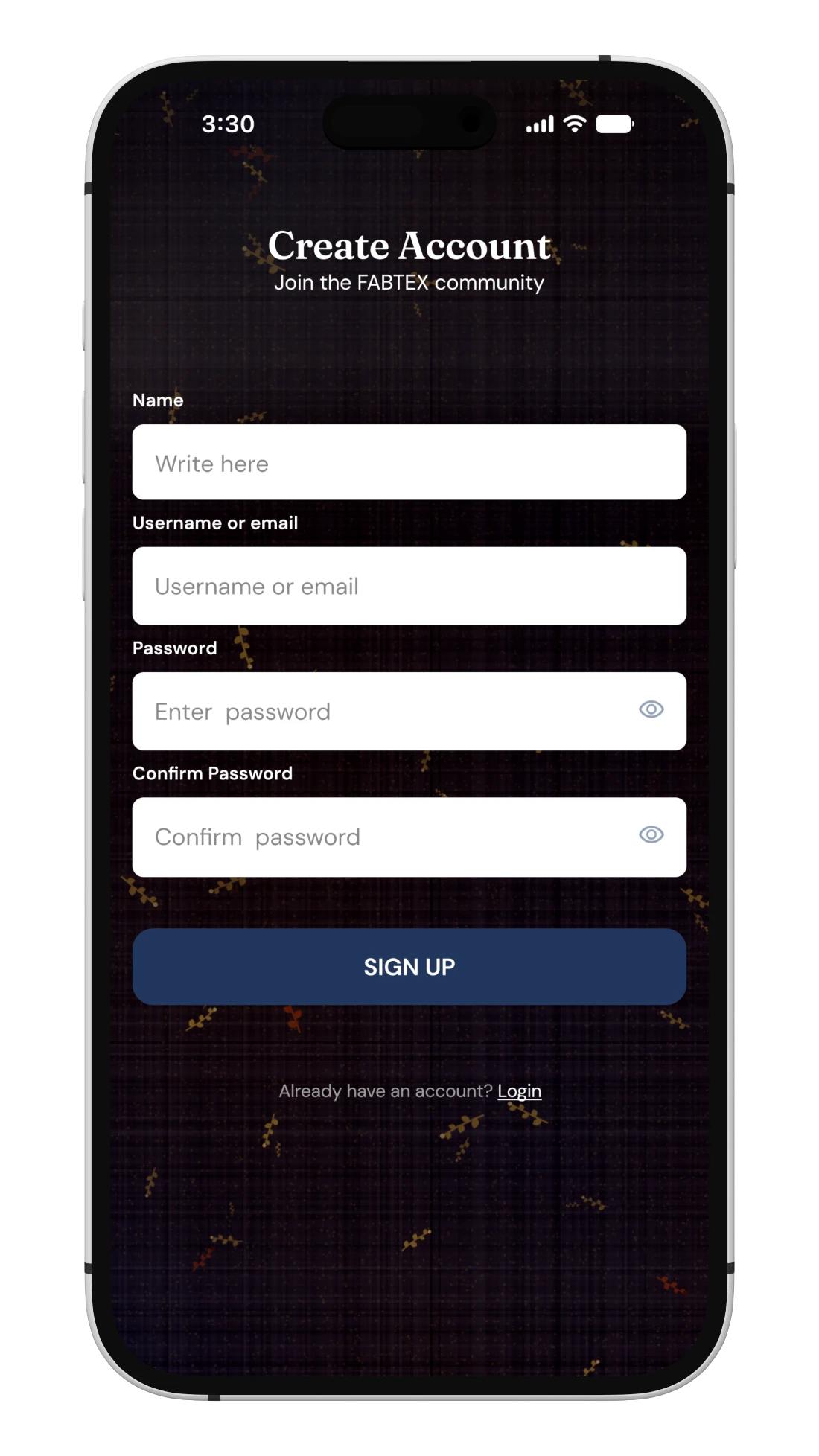
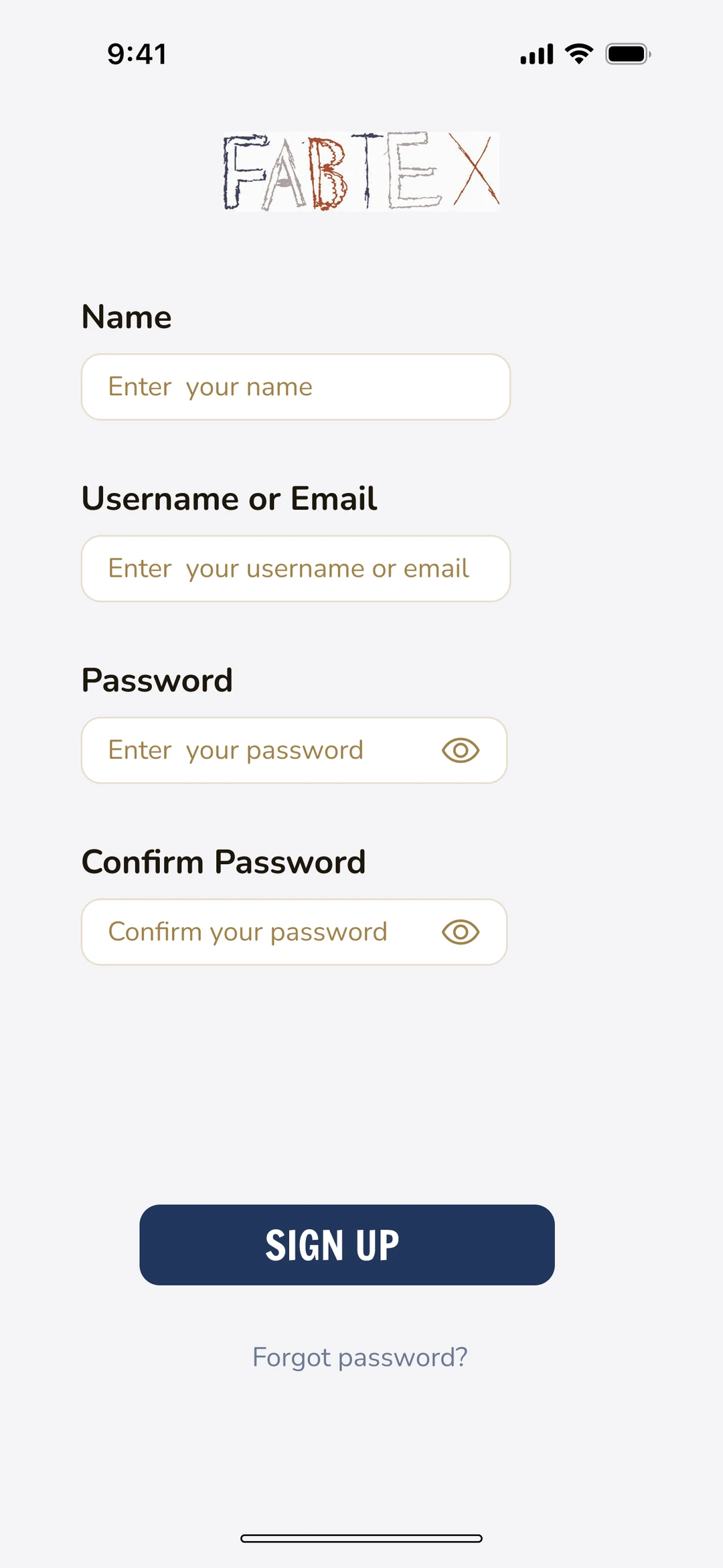
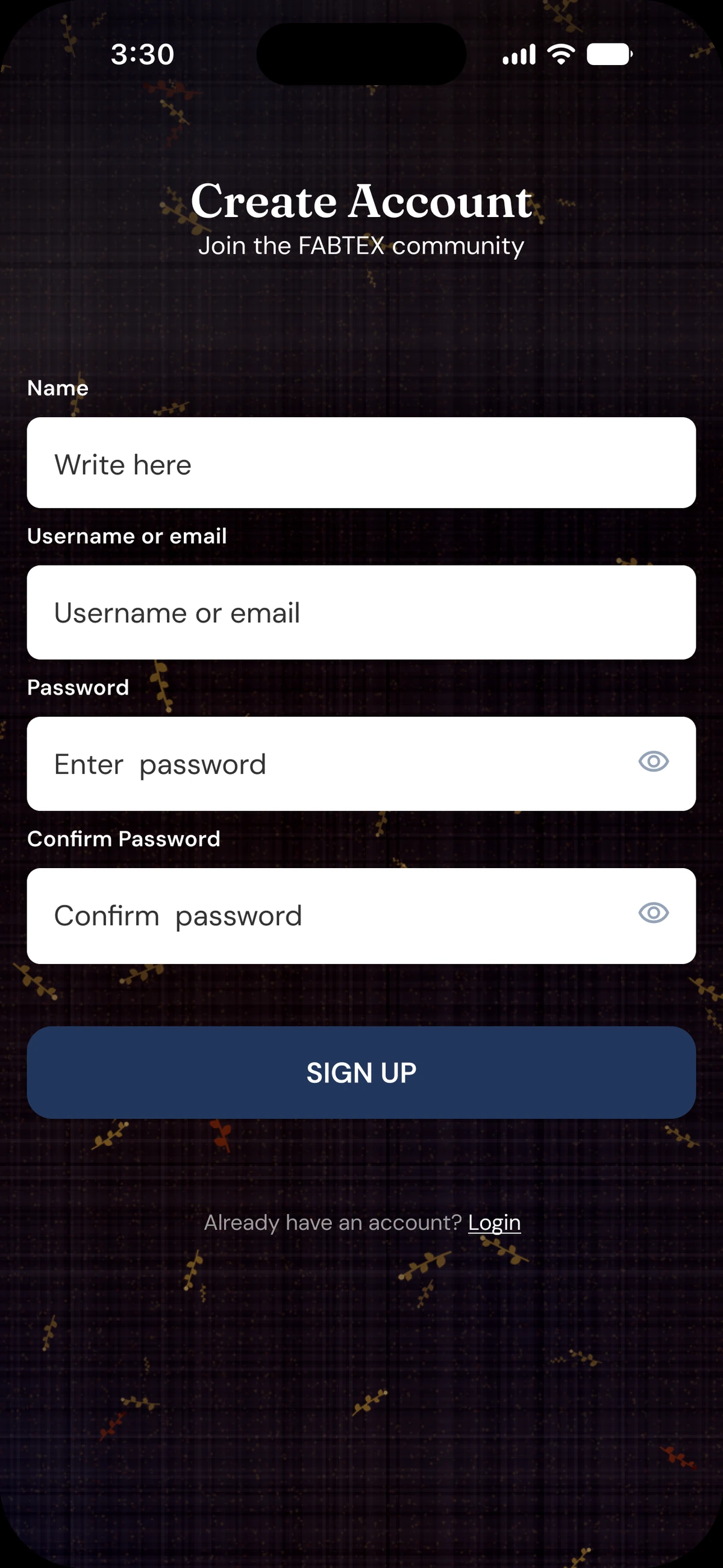
Landing, sign in, create account. Three screens that look simple. I rebuilt the login five times over a year, so it got its own case study.

Read "The grey I fixed twice" →
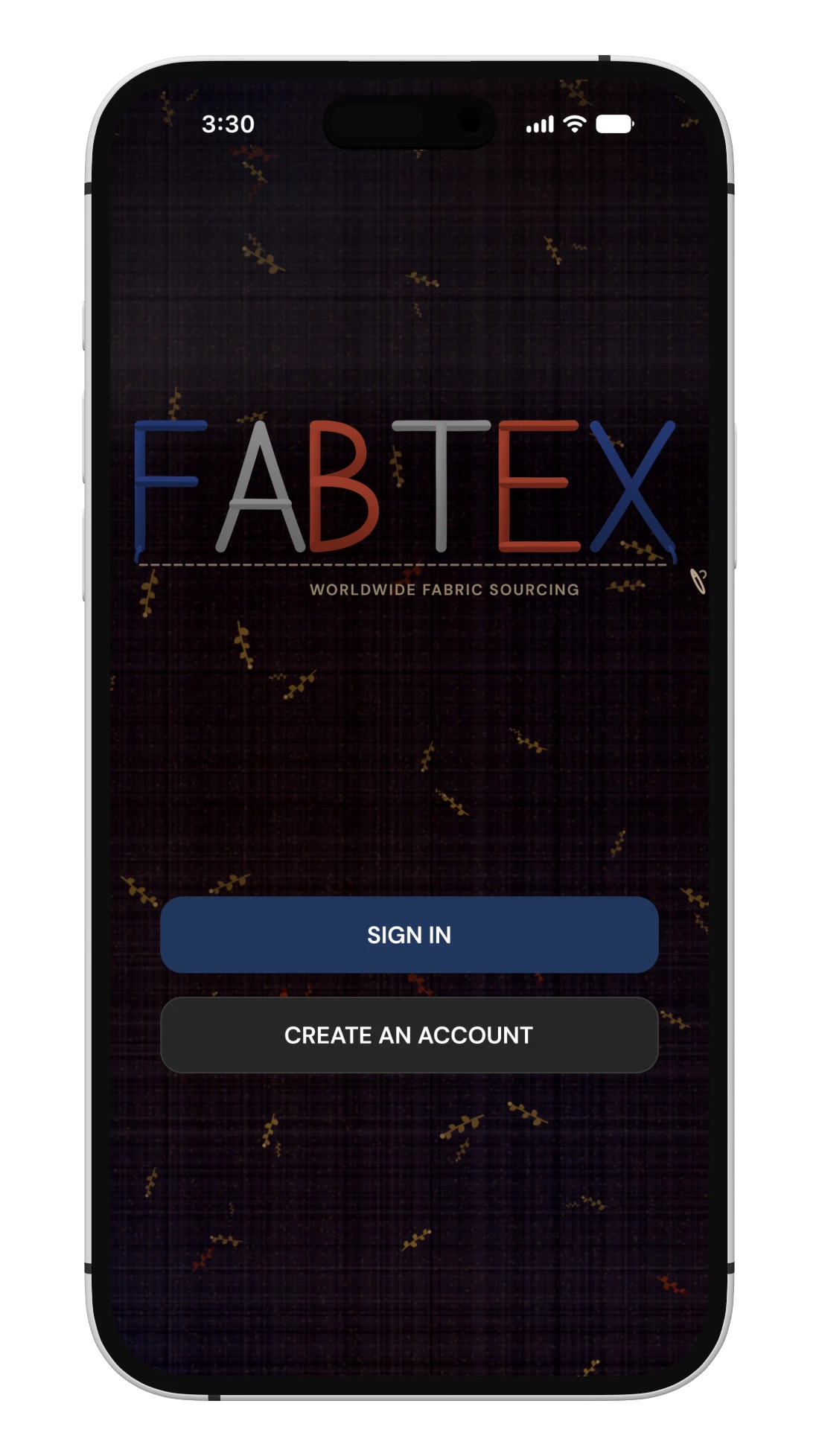
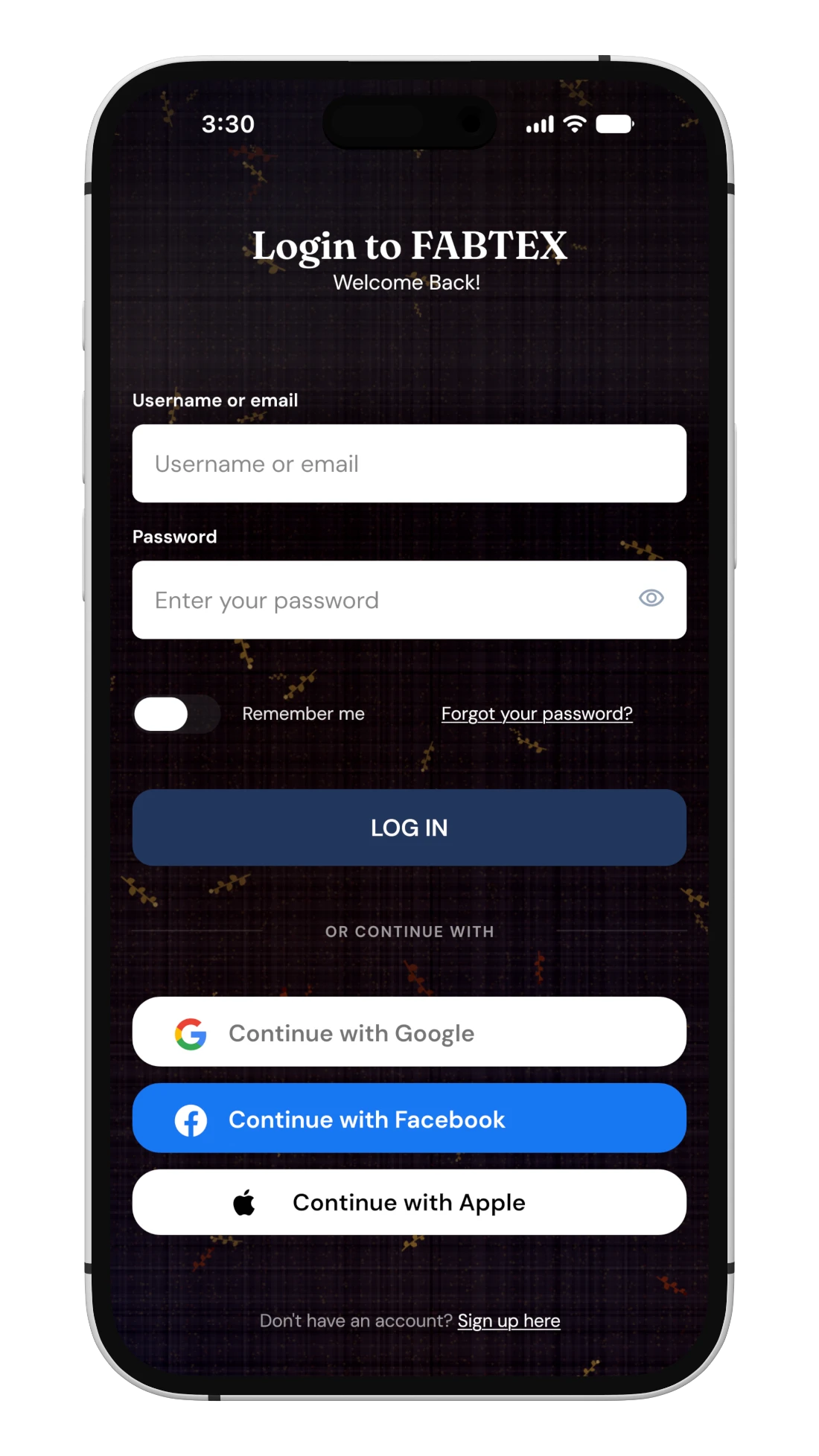
FABTEX landing screen: the stitched FABTEX wordmark over a dark plaid texture, with Sign In and Create an Account buttons. FABTEX login screen. FABTEX Create Account screen with name, username or email, password and confirm password fields and a Sign Up button.

Try it out.

The Figma file

Every screen on this page, at full size. Zoom in on the swatches, they're the best part.
FABTEX Open in Figma ↗

More from my portfolio

Five LoginsAccessibility
MTN FoundationResponsive web